
If you encounter this error while attempting to connect your ecobee thermostat to the SmartCocoon app, please follow the steps below:
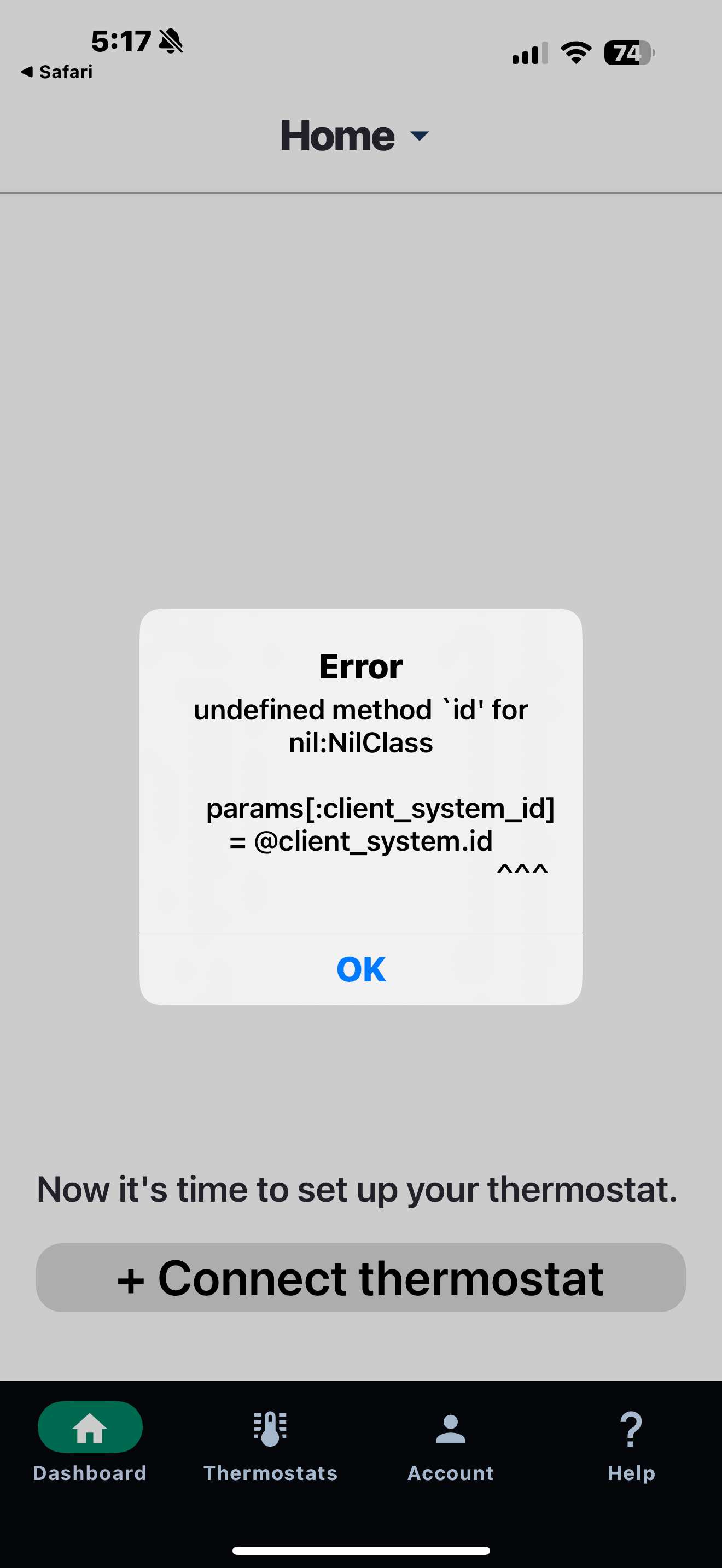
Or:
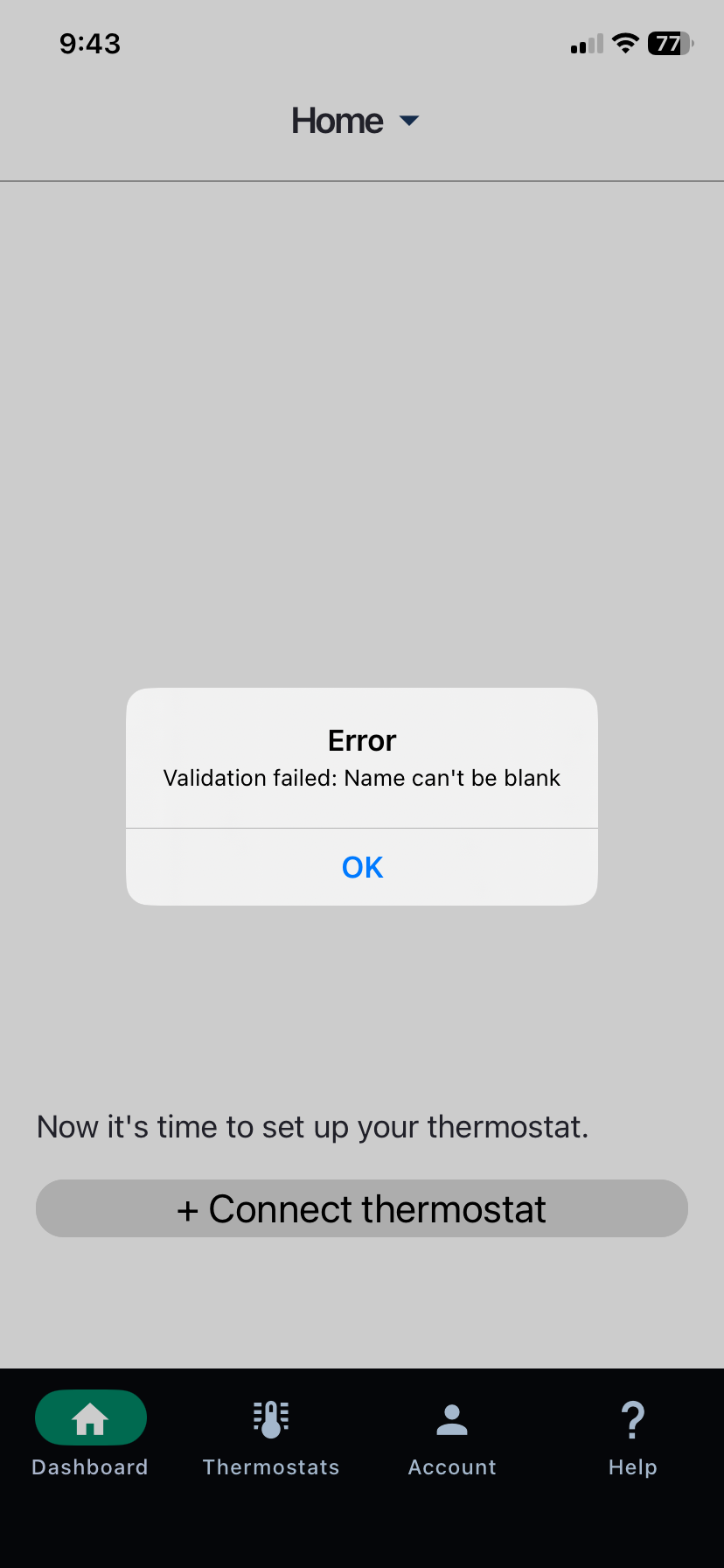
Or:
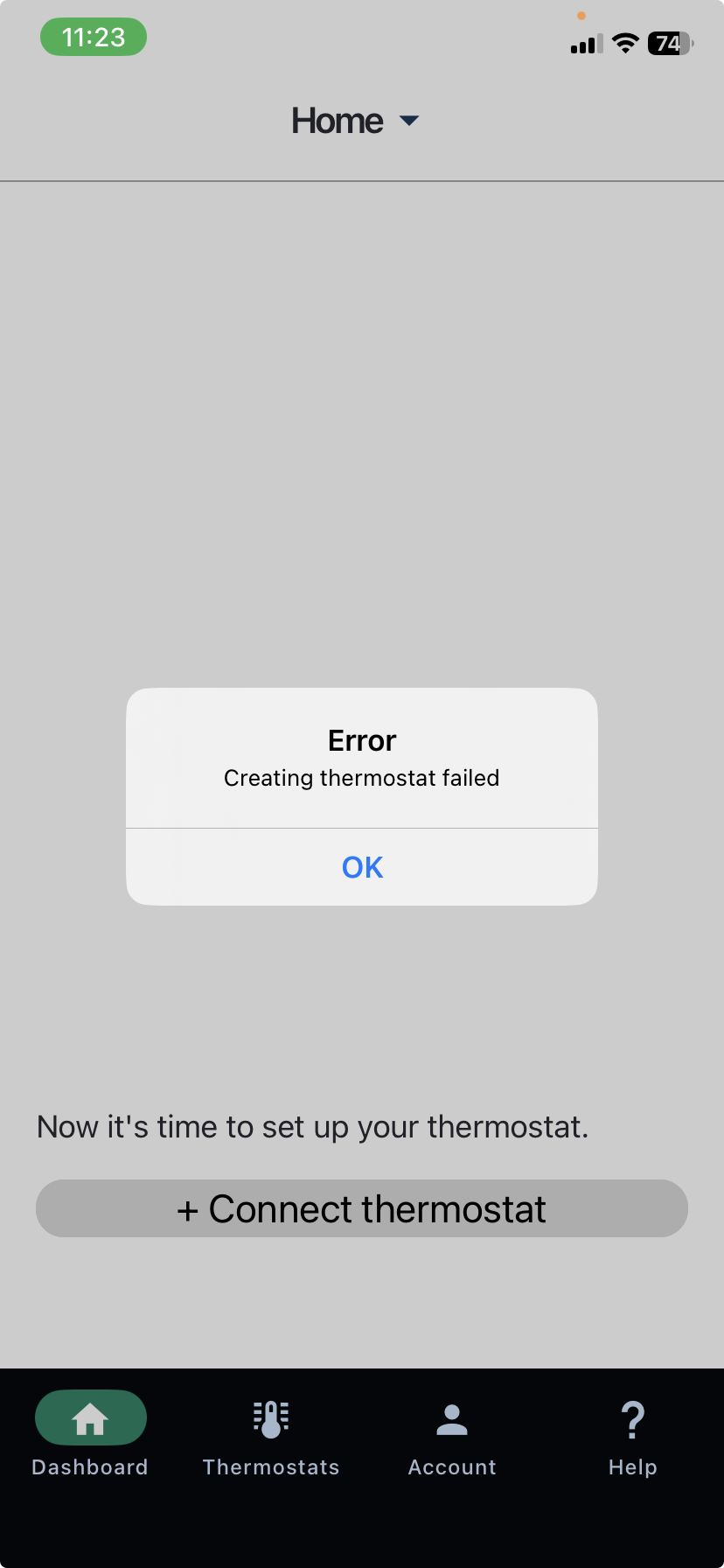
1- Open your Ecobee app and make sure that a name has been assigned to your ecobee thermostat. A name can be any chosen name, such as "Main floor", "Top floor". Here is an example of a thermostat without a name: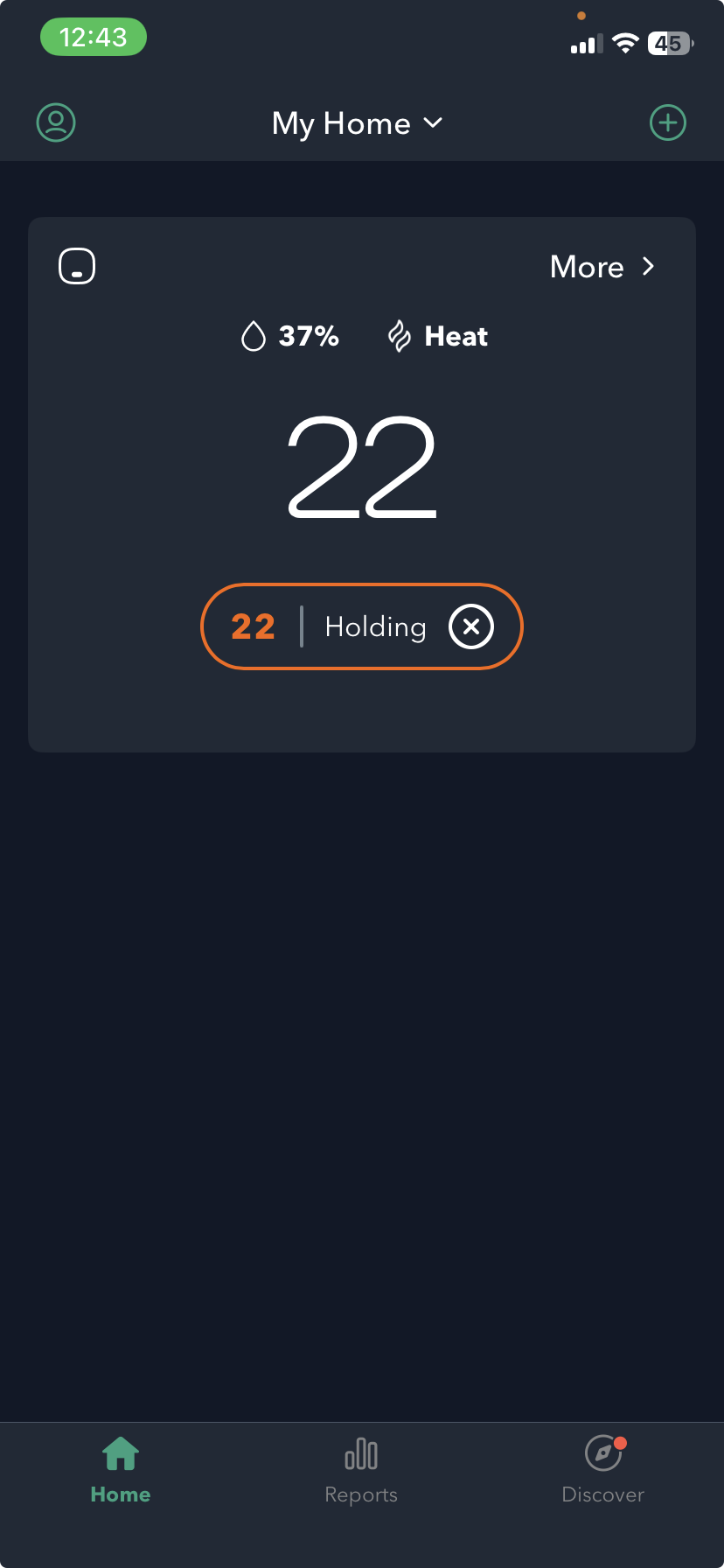
And this is the same thermostat after a name has been assigned:
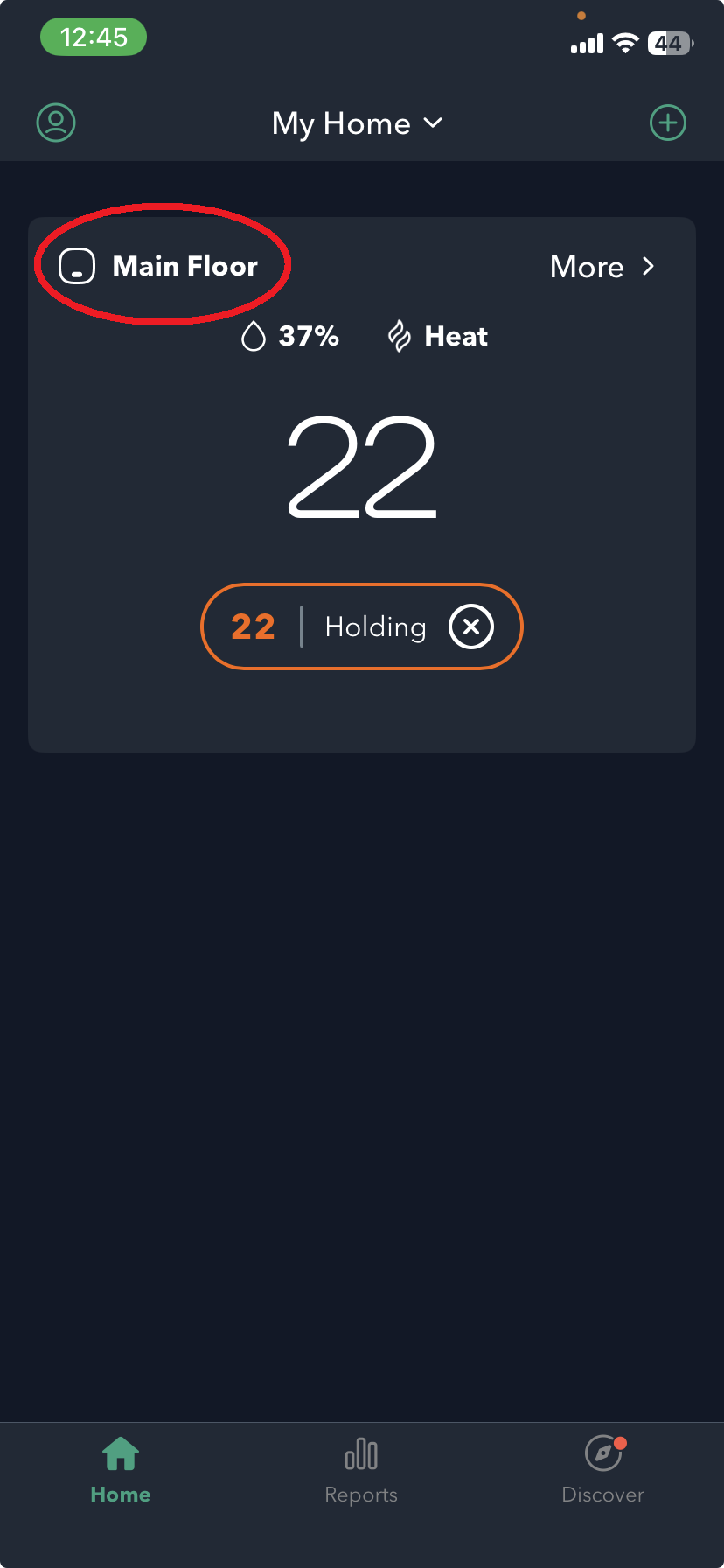
You can change the thermostat name on the thermostat setting if needed on the ecobee app.
2-Open your phone’s default browser (e.g., Google Chrome, Safari).
3-Review all open tabs and check if any are currently on the ecobee website.
If so, please log out of your ecobee account on each of those tabs.
3-Ensure that all ecobee-related browser tabs are fully logged out and then closed.
4- Clear your browser history.
5-Uninstall the SmartCocoon app from your device, reinstall it, and log back in.
6-Attempt to add your thermostat again. If the issue persists, please don’t hesitate to contact us for further assistance.
We appreciate your patience and are here to help if you need any support.